
Computer Repair in Sithalapakkam, Chennai | SS Computers
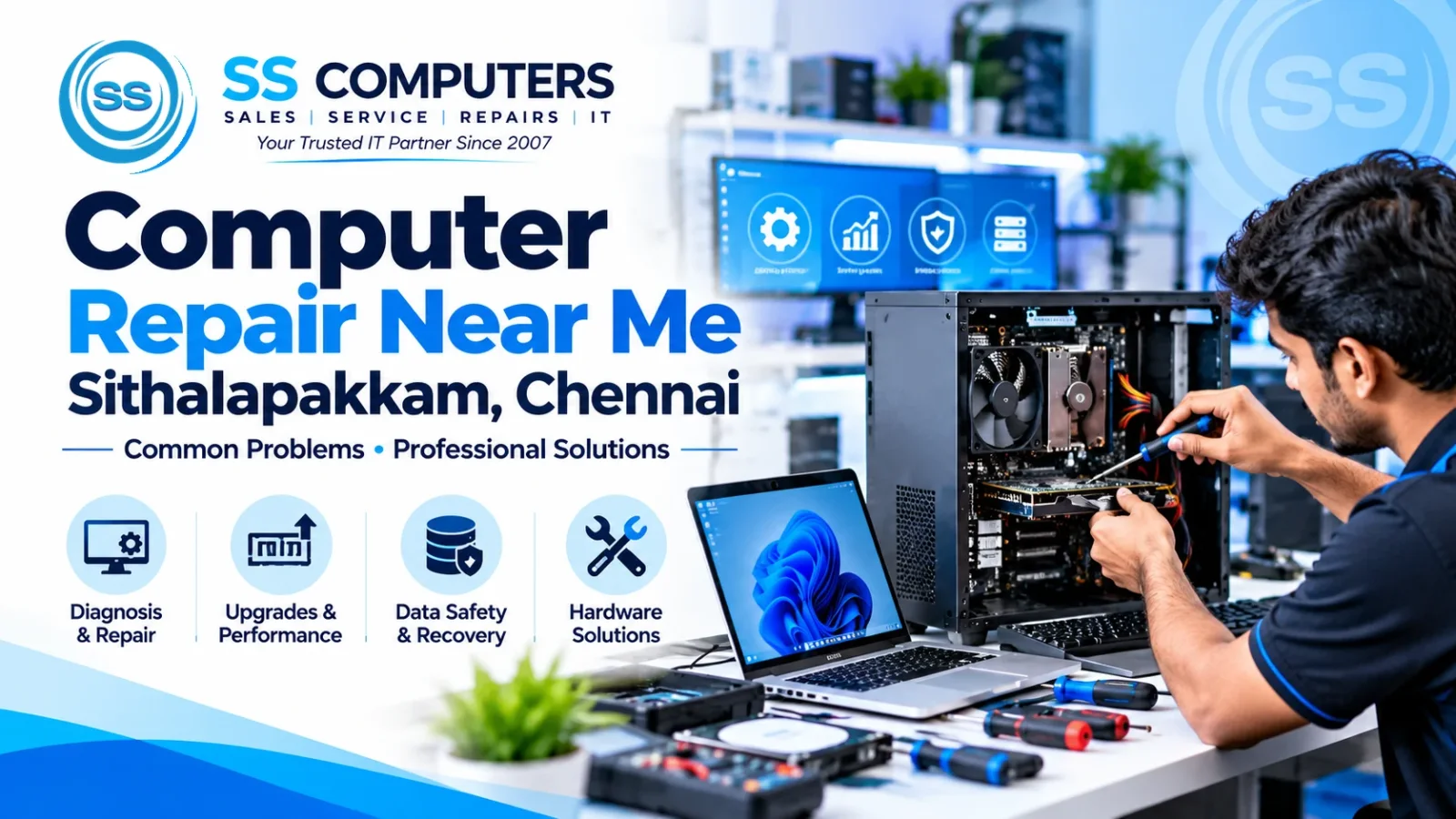
Computer Repair Near Me in Sithalapakkam, Chennai – Common Problems & Professional Solutions
A slow computer, an unexpected shutdown or a desktop that will not start can interrupt office work, online classes and everyday tasks. When people search for computer repair near me in Sithalapakkam, they often want two things: an understandable explanation of the problem and a practical next step.
At SS Computers, we help home users and businesses discuss desktop and laptop issues, hardware upgrades and ongoing IT maintenance. We have served customers in Chennai since 2007. This guide explains common warning signs, safe checks you can try and when it is sensible to ask a technician for help.
1. Computer running slowly or taking too long to start
A slow PC does not always mean that you need a new computer. Too many startup applications, almost-full storage, outdated software, insufficient RAM or a failing drive can all affect performance.
What you can try: Restart the system, check available storage space and review unnecessary startup applications. Back up important data before major changes. If the slowdown persists, a technician can check hardware health and whether a compatible SSD or RAM upgrade would help.
Read more about computer repairs and performance upgrades.
2. Desktop computer not switching on
Start with straightforward checks: confirm that the wall socket works, the power cable is secure and the monitor is switched on. A black screen does not always mean that the entire PC has failed.
If the computer repeatedly loses power, gives off a burning smell or shows damaged wiring, switch it off and disconnect it safely. Do not open a computer power supply or attempt internal electrical repairs yourself. Problems can involve the power supply, memory, motherboard or other components, so diagnosis matters before replacing parts.
3. Overheating, loud fans and automatic shutdowns
Dust buildup, restricted ventilation and cooling-system faults may cause excess heat. Watch for loud fans, unusually hot surfaces, sudden restarts and shutdowns during ordinary use.
Keep ventilation openings unobstructed, use the computer in a well-ventilated space and avoid operating it on a soft surface that blocks airflow. If the symptoms continue, arrange a professional inspection. Laptop users can also see our laptop repair services.
4. Frequent freezing, errors or unexpected restarts
Software conflicts, faulty updates, memory problems and storage faults can cause a system to freeze or restart. Note when the issue happens and whether an error message appears; that information helps with diagnosis.
If the computer still works, make a backup of your important files first. Avoid repeatedly reinstalling the operating system before checking whether the fault is software- or hardware-related. Our computer software support page explains the types of assistance you can enquire about.
5. Storage failure and missing files
If you hear unusual clicking from a hard drive, files begin disappearing or the drive is no longer detected, avoid repeatedly restarting the system or running unnecessary repair utilities. Additional use can worsen some storage faults.
Keep separate backups of important work, photos and business records. A technician can advise on suitable diagnosis and possible next steps, but data recovery is not guaranteed. Do not overwrite a drive if you believe important files have been lost.
6. Wi-Fi, printer and other connection problems
Not every connectivity problem comes from the computer. Check whether other devices can use the same Wi-Fi network, restart the router when appropriate, and confirm that cables and printer connections are secure. If the problem affects several workstations, a broader office-network check may be more useful than troubleshooting one PC at a time.
Businesses with recurring workstation or network issues can explore our IT maintenance and AMC support.
Should you repair, upgrade or replace your computer?
The decision depends on the machine's age, compatibility, repair requirements and how you use it. A suitable SSD upgrade or additional RAM may make an otherwise serviceable system more responsive. A computer with repeated major hardware failures may warrant a discussion about replacement instead.
Before spending money, ask what the suspected issue is, which parts are involved, whether important data has been backed up and what outcome to expect from the proposed work.
What information helps when you request a repair?
Prepare the following details before contacting a service centre:
- Desktop or laptop brand and model, if known.
- A clear description of the problem and when it began.
- Any error messages, unusual sounds or visible damage.
- Whether the computer powers on and whether important files need protecting.
- Your location and a convenient way to contact you.
Sharing this information can make the initial service discussion more useful. You can use our Book Ticket form to describe your issue.
Frequently asked questions
Can a slow computer become faster without buying a new one?
Sometimes. Cleaning up unnecessary software, resolving faults and installing a compatible SSD or RAM upgrade can help, depending on the system's existing specifications and condition.
Is it safe to keep using a computer that shuts down unexpectedly?
Repeated shutdowns can indicate overheating or another fault. Save and back up important work when it is safe to do so, and arrange an inspection. Stop using the device if there is a burning smell, smoke or a visible electrical hazard.
How often should an office computer be checked?
That depends on usage and operating conditions. Regular checks of updates, backups, storage capacity and device health are a useful starting point; heavily used business systems may need more frequent attention.
Need computer repair in Sithalapakkam, Chennai?
SS Computers supports home and business customers with computer and laptop servicing, repairs, upgrades and IT maintenance enquiries. Tell us what is happening with your device and we can discuss the next step.
Contact SS Computers: Visit our website · Computer Repair · Book a Service Ticket · Contact and Location · Call +91 98848 33551 · WhatsApp
SS Computers – Professional IT Services for Home & Business Since 2007.