
Laptop Overheating & Automatic Shutdown – Causes, Solutions & Service in Chennai
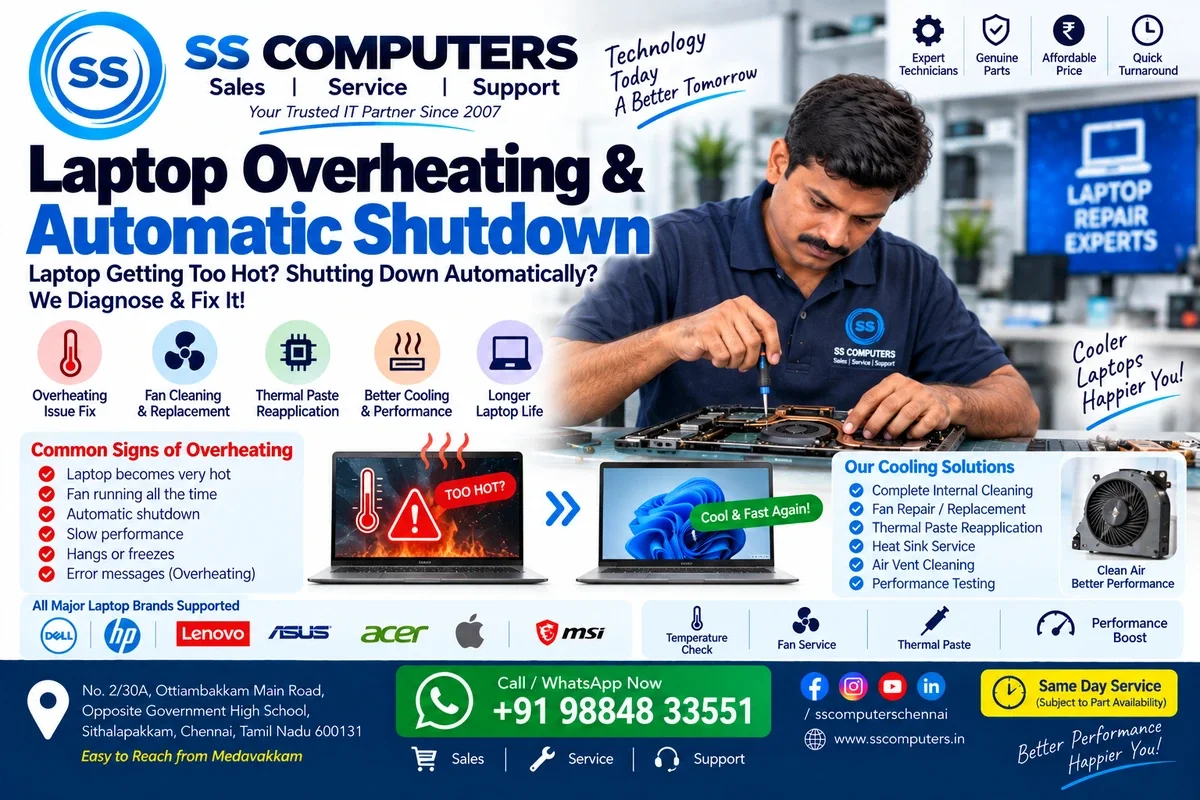
A laptop becoming slightly warm during normal use is common. But if your laptop becomes extremely hot, the fan runs continuously, performance becomes slow, or the laptop shuts down automatically, the cooling system or another component may require attention.
Ignoring repeated overheating can affect performance and may contribute to hardware problems over time. SS Computers provides Laptop Repair & Service in Sithalapakkam, Chennai, serving customers from Medavakkam, Perumbakkam, Ottiambakkam and surrounding South Chennai areas. We have provided computer and laptop sales and service since 2007.
Common Signs of Laptop Overheating
Your laptop may have a cooling or overheating problem if you notice:
- Laptop becoming unusually hot.
- Fan running loudly or continuously.
- Automatic shutdown or restart.
- Laptop freezing during use.
- Performance becoming slow after some time.
- Hot air continuously coming from vents.
- Laptop switching off during gaming or heavy work.
- Fan making unusual noises.
- Laptop becoming hot shortly after startup.
- A system warning about high temperature.
These symptoms should be investigated, especially when they occur repeatedly. Read about our Laptop Repair service for information on diagnosis and repair options.
Why Is My Laptop Overheating?
Laptop overheating can have several possible causes. Some relate to maintenance, while others may involve hardware or software:
- Dust inside the cooling system.
- Blocked air vents.
- Cooling fan problems.
- Ageing or ineffective thermal compound.
- Heavy processor or graphics usage.
- Background applications consuming excessive resources.
- Poor airflow around the laptop.
- Hardware or battery-related issues.
- Cooling-system damage.
Proper diagnosis helps identify the underlying cause before parts are replaced.
1. Dust Inside the Laptop
Dust gradually accumulates around the fan, heat sink and ventilation system. Restricted airflow can stop the cooling system from removing heat effectively. Cleaning only the outside vents may not remove internal dust; professional internal cleaning may be necessary depending on the laptop's condition.
2. Laptop Cooling Fan Problems
A cooling fan may be damaged, blocked, noisy or unable to spin correctly. Possible symptoms include grinding noises, a fan running constantly at high speed, excessive heat and automatic shutdown. A technician can inspect the fan and recommend replacement if necessary. Our Laptop Repair & Service page explains related hardware checks.
3. Thermal Paste & Cooling System
Many laptops use thermal-interface material between heat-producing components and their cooling assemblies. Depending on the design, age and operating conditions, that material may need attention. Cooling-system servicing can include cleaning and replacement of thermal material where appropriate; the work should be done with suitable materials and installation procedures.
4. Using a Laptop on a Bed or Sofa
Beds, pillows, blankets and sofas can block ventilation openings. A stable, hard and flat surface is generally better, provided the laptop's vents remain unobstructed.
5. Heavy Applications & Gaming
Gaming, video editing and other demanding workloads can raise processor and graphics temperatures. Higher temperatures during heavy use do not automatically indicate a fault, but significant slowdowns or repeated shutdowns warrant inspection. When background applications are part of the issue, our Computer Software Support page covers software troubleshooting.
Why Does My Laptop Automatically Shut Down?
Some laptops shut down as a protective response when operating conditions become unsafe. However, overheating is not the only possible cause. Unexpected shutdowns may also involve battery wear, charger or power issues, RAM, motherboard faults, software problems or other hardware failures.
A laptop that repeatedly shuts down should be diagnosed rather than assuming the cause. If charging or battery behaviour is also unusual, see our Laptop Battery Replacement & Support page.
Can Laptop Overheating Make the Computer Slow?
Yes. Modern processors may reduce performance when temperatures become too high, a behaviour often called thermal throttling. You may notice that a laptop performs normally at first but slows down after extended use. Correcting an underlying cooling problem may help restore normal performance when excessive temperature is the cause.
Can I Fix Laptop Overheating Myself?
Some simple checks are suitable for users:
- Use the laptop on a hard, flat surface.
- Keep ventilation openings unobstructed.
- Avoid covering the laptop while it is operating.
- Close unnecessary applications.
- Check whether the cooling fan seems to be operating.
- Keep the surrounding area reasonably free from dust.
Opening a modern laptop can be complicated. Inexperienced disassembly risks damage to cables, connectors, batteries and plastic clips. For recurring symptoms, book a laptop service enquiry rather than attempting unsafe internal repairs.
Is a Cooling Pad Enough?
A cooling pad may improve external airflow in some situations, but it cannot repair a faulty fan or clear a heavily blocked internal cooling path. The underlying cause still needs attention.
Laptop Overheating Service Near Medavakkam
SS Computers is located in Sithalapakkam, Chennai, and serves customers from Sithalapakkam, Medavakkam, Perumbakkam, Ottiambakkam and surrounding South Chennai areas. If your laptop becomes excessively hot, slows down unusually or repeatedly shuts down, you can book a service ticket for inspection or check our Contact page for location and contact information.
Other Laptop Repair Services
Along with overheating diagnosis, SS Computers provides support for the following issues, subject to model and part availability:
- Laptop screen and display issues.
- Laptop battery replacement and charging problems.
- Laptop keyboard repair.
- Laptop hinge and panel repair.
- Laptop not turning on, motherboard troubleshooting and SSD/RAM upgrade assessment through Laptop Repair & Service.
- Common operating-system problems through Computer Software Support.
For office devices needing planned preventive care, you can also explore our IT Maintenance & AMC Support.
Why Choose SS Computers?
SS Computers has provided computer and laptop sales and service since 2007. Our approach is to diagnose the cause before recommending repair or replacement. For overheating concerns, the cooling system and other relevant hardware can be inspected to determine a practical next step.
Need Laptop Overheating or Shutdown Support?
Tell us your laptop brand and model, when the heating occurs, and whether the fan is noisy or the laptop switches off unexpectedly. We can discuss suitable next steps before a service inspection.